



You have probably seen the term “AI PC” on laptop boxes, ads, and YouTube reviews lately. Every brand seems to be selling one. But what does it actually mean? Is it just marketing, or is there something real inside?
Short answer: there is something real inside, but it matters more for some people than others. Let’s break it down in plain English, no jargon.
So What Exactly Is an AI PC?
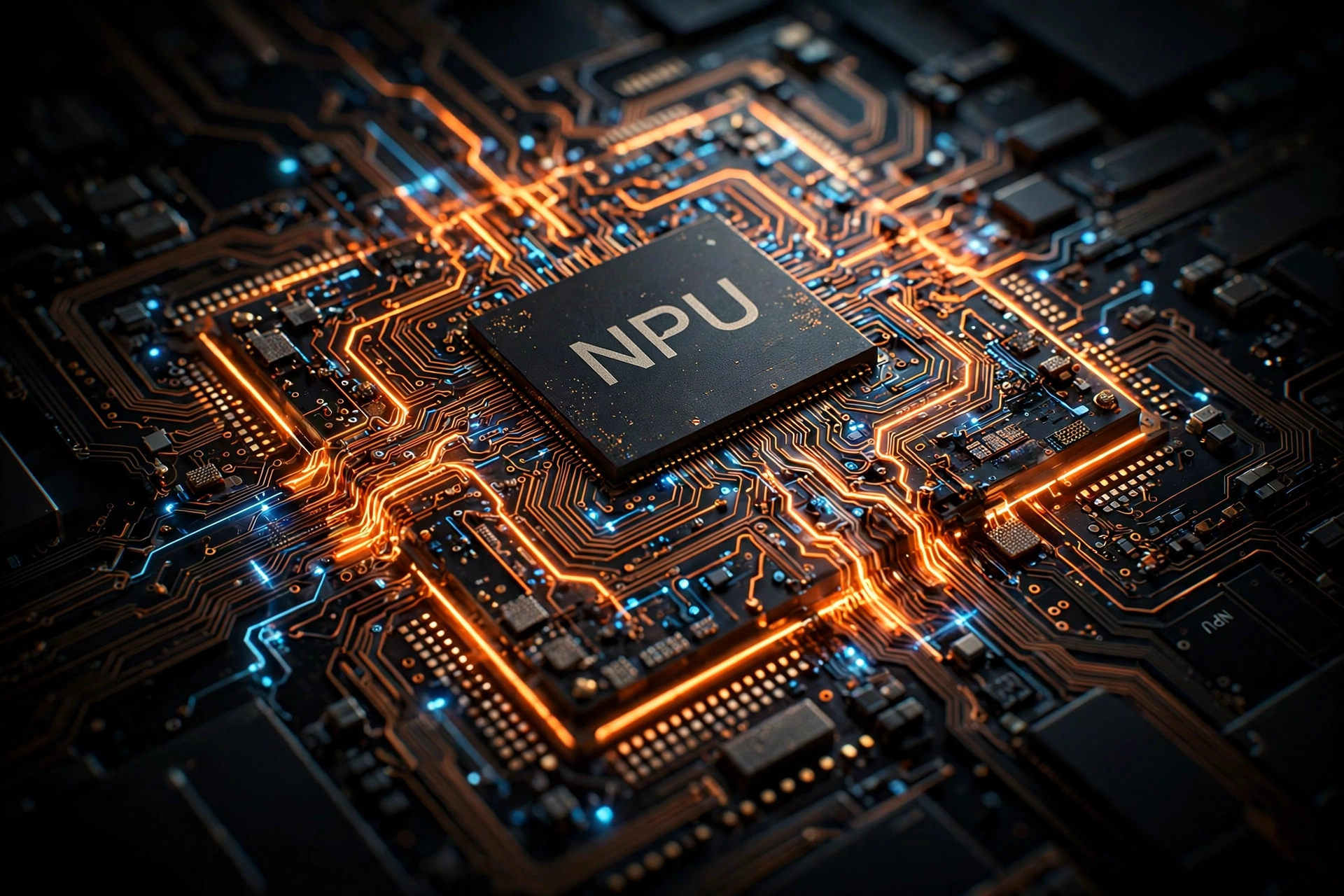
A regular laptop has two main processors. The CPU handles general tasks, and the GPU handles graphics. An AI PC adds a third one to the mix: the NPU, which stands for Neural Processing Unit.
The NPU is a chip designed to run AI tasks fast while sipping battery instead of gulping it. Things like blurring your background on a video call, turning speech into text, or removing background noise from your microphone used to run on the CPU, which drained the battery quickly. On an AI PC, the NPU handles all of that quietly in the background.
So the simple definition: an AI PC is a computer with a dedicated NPU chip built for AI workloads.
AI PC vs Regular PC: What’s Actually Different?
| Regular PC | AI PC | |
|---|---|---|
| Processors | CPU + GPU | CPU + GPU + NPU |
| AI tasks | Run on CPU, slower, more battery drain | Run on NPU, faster, less battery drain |
| Battery during AI workloads | Drains noticeably faster | Lasts much longer |
| Windows AI features | Basic or partial | Full set (on qualifying models) |
| Price | Usually lower | Often a small premium |
On paper the difference looks small. In daily use, it shows up in battery life and how smooth AI features feel.
What Can You Actually Do With One?
This is the part brands hype up the most, so let’s stay realistic. Here is what an NPU actually improves today:
Better video calls. Background blur, automatic framing, eye-contact correction, and noise removal all run on the NPU. They work without stutter and barely touch your battery.

Live captions and translation. Windows can now caption any audio playing on your PC in real time, and translate it too. On an AI PC this runs locally instead of in the cloud, so it is faster and works offline.
Smarter photo editing. One-click background removal, object erasing, and AI upscaling run noticeably faster with an NPU helping.
On-device AI assistants. This is the interesting one. AI assistants and agents are starting to run locally instead of always calling the cloud. I broke down how those agents work in my beginner’s guide to AI agents, and an AI PC is exactly the kind of machine built to run them well.
Recall and Copilot+ features (Windows). Microsoft’s Copilot+ PCs can search everything you have seen or done on your PC using natural language. It is genuinely useful, though it took Microsoft a while to get the privacy side right.
What you will NOT get: a laptop that writes your assignments by itself or some sci-fi brain. It is the same laptop, just better at AI chores.
The One Number That Matters: TOPS
Brands love throwing around the term TOPS, which means trillion operations per second. It measures how much AI math the NPU can do.
The number to remember is 40. Microsoft’s Copilot+ standard requires an NPU with 40+ TOPS, and that badge is what unlocks the full set of Windows AI features. Anything well below that, and you get only some of the features.
You do not need to memorize this. Just look for the “Copilot+ PC” badge on Windows laptops. On the Mac side, every Apple Silicon Mac already has a capable Neural Engine, so Apple does not make as much noise about it. You can read Microsoft’s own breakdown of what qualifies as a Copilot+ PC if you want the official spec sheet.
Do You Actually Need One in 2026?
Honest answer: it depends on how you use your laptop.
You will benefit if you:
- Spend hours on video calls every week
- Edit photos or video regularly
- Want the newest Windows AI features like Recall and live translation
- Care about battery life and want AI features without the drain
You can skip it if you:
- Mostly browse, stream, and do office work — a regular laptop handles that fine
- Your current laptop is less than 3 years old and runs well
- Budget is tight — do not stretch your budget just for the AI label
A good regular laptop in 2026 is still a good laptop. The AI PC is not a revolution, it is an evolution.
What to Check Before Buying
- NPU with 40+ TOPS. Look for the Copilot+ PC badge on Windows machines. That is the simplest shortcut.
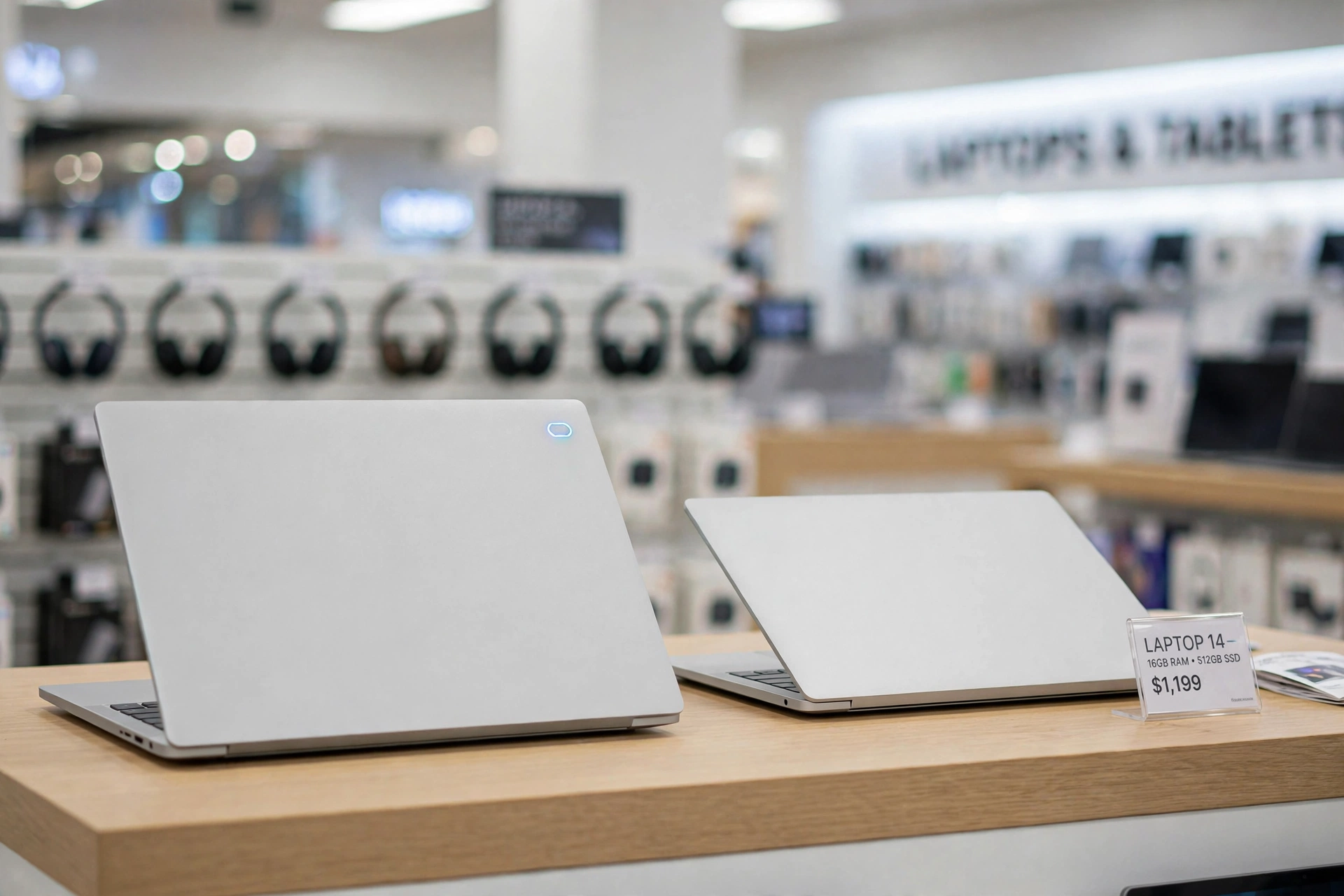
- At least 16GB of RAM. AI features eat memory. 8GB is not enough anymore if you want the AI stuff to run well.
- Do not pay a big premium just for the badge. If two similar laptops differ only by the AI label and the price gap is large, the cheaper one is usually the smarter buy.
- Battery claims. Manufacturers love quoting battery life with AI workloads now. Take the numbers with a grain of salt and check real reviews.
Frequently Asked Questions
Is an AI PC just marketing?
Not entirely. The NPU is real hardware and it genuinely improves battery life during AI tasks. But yes, the marketing is louder than the difference for average users.
Can a regular PC run AI?
Yes. Your CPU and GPU can run AI tasks, just slower and with more battery drain. Many AI features work on regular PCs, only the heaviest on-device ones need the NPU.
Do AI PC features need the internet?
That is actually one of the main selling points: most NPU-powered features run on-device, so they work offline and your data stays on your machine.
Are AI PCs more expensive?
Slightly, on average. But prices have come down a lot since launch, and in 2026 you can find Copilot+ laptops at mid-range prices.
Should I wait for the next generation?
If your current laptop works fine, waiting never hurts in tech. But there is no giant leap announced that makes buying today a mistake.
Final Verdict
An AI PC is worth buying in 2026 if you will actually use the on-device AI features: video calls, live captions, photo editing, local AI assistants. The NPU is real, the battery savings are real, and the Copilot+ badge is a useful shortcut when shopping.
But if you just need a solid laptop for everyday work, a regular machine remains perfectly fine. Do not let the AI label pressure you into overspending. Buy for what you do, not for the sticker on the box.
Related reading: curious how on-device assistants actually think and act? Check out What Are AI Agents? A Beginner’s Guide for 2026. And if you like AI hardware that lives on your face instead of your desk, see Are AI Smart Glasses Worth Buying in 2026?.


[…] you are looking at new hardware built around these features, our guide on what an AI PC is explains what the Copilot+ label on laptops actually means before you spend money on […]