

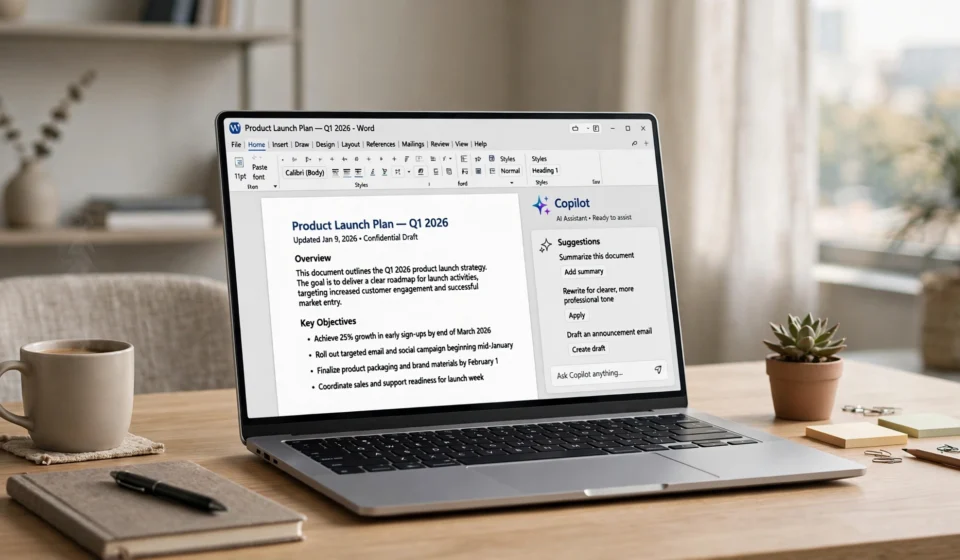

Quick verdict: Pay for Copilot Pro if you live inside Word, Excel and Outlook all day and want AI help without leaving those apps. Skip it if you mainly chat with an AI in a browser tab, because the free version and ChatGPT’s free tier already cover that well. Business users on Microsoft 365 get the most value, but the per user pricing adds up fast.
What Microsoft Copilot Actually Is in 2026
The name is the first problem. Microsoft uses “Copilot” for at least three different products, and the company does very little to make the differences clear.
The free Copilot is the chatbot anyone can use at copilot.microsoft.com, in the Copilot app, or inside Windows and Edge. You get conversations powered by GPT class models, voice chat, and image generation. It costs nothing and needs only a Microsoft account for the full experience.
Copilot Pro is the consumer upgrade, priced at around $20 per month. It unlocks Copilot inside the Microsoft 365 apps (Word, Excel, PowerPoint, Outlook and OneNote) for personal and family plan subscribers, gives you priority access to the newest models during busy times, and raises the limits on image creation and other features.
Microsoft 365 Copilot is the business version. It is an add-on at around $30 per user per month, paid on top of an eligible Microsoft 365 business plan. This is the one that can search across your company emails, Teams chats, meetings and documents, because it plugs into Microsoft Graph and your organization’s data.
So when someone says “Copilot is amazing” or “Copilot is not worth it”, it is worth asking which one they mean. They are genuinely different products at very different prices.
If you are looking at new hardware built around these features, our guide on what an AI PC is explains what the Copilot+ label on laptops actually means before you spend money on it.
What Copilot Does Well
It lives where your work already is
The strongest argument for paying is simple. Copilot sits inside the apps millions of people already use for work. In Word, it can draft a document from a short prompt, rewrite a clumsy paragraph, or summarize a long report without you copying text into a separate website. In Outlook, it summarizes long email threads and drafts replies in a tone you choose. In Teams, it recaps meetings you missed and pulls out the action points.
This sounds like a small convenience, but across a working week it removes a lot of friction. There is no switching tabs, no pasting, no reformatting.
Excel and PowerPoint help for non experts
Excel is where Copilot earns real fans. You can ask plain questions about a spreadsheet, like which product grew fastest last quarter, and get formulas, charts and pivot style summaries back. People who always felt locked out of advanced Excel features get a lot from this.
PowerPoint is more mixed, but turning a Word document into a structured first draft of a deck is a genuine time saver. The design still needs your judgment, yet starting from a decent skeleton beats staring at a blank slide.
Strong models and image tools
Copilot runs on the same family of models that powers ChatGPT, and Pro subscribers get priority access to the latest versions. Image creation through Designer is quick and good enough for blog graphics, presentation visuals and social posts. The Edge sidebar is also quietly useful, since it can summarize the page you are reading or help you draft text in any web form.
Where Copilot Falls Short
Inconsistent answers
Ask Copilot the same question twice and you may get noticeably different quality. It can be sharp and accurate on one prompt, then vague or slightly off on a similar one an hour later. This is true of every AI assistant to some degree, but Copilot’s personality modes and frequent backend changes make the inconsistency more visible.
Features vary by platform
What Copilot can do depends heavily on where you use it. The Windows app, the web version, the Mac apps and the mobile apps do not offer identical feature sets, and some Word or Excel abilities arrive on one platform months before another. Microsoft rarely explains this clearly, so users often assume a feature is broken when it simply is not available in their app yet.
The subscription stacking problem
This is the most common complaint, and it is fair. A Microsoft 365 Personal subscription, a Copilot Pro subscription and a business Microsoft 365 Copilot license are three separate payments that overlap in confusing ways. Families sharing a 365 plan may find Copilot Pro benefits only apply to the account holder. None of this makes the product bad, but the buying experience is messier than it should be.
The ChatGPT comparison never goes away
For pure chat, writing help and creative work, ChatGPT is still the benchmark most people compare against, and its app ecosystem and memory features are ahead in some areas. If you want help with documents, a tool like Grammarly has a different focus, and our Grammarly review shows where a dedicated writing assistant still beats a general chatbot. Copilot wins on Office integration, not necessarily on raw chat quality.
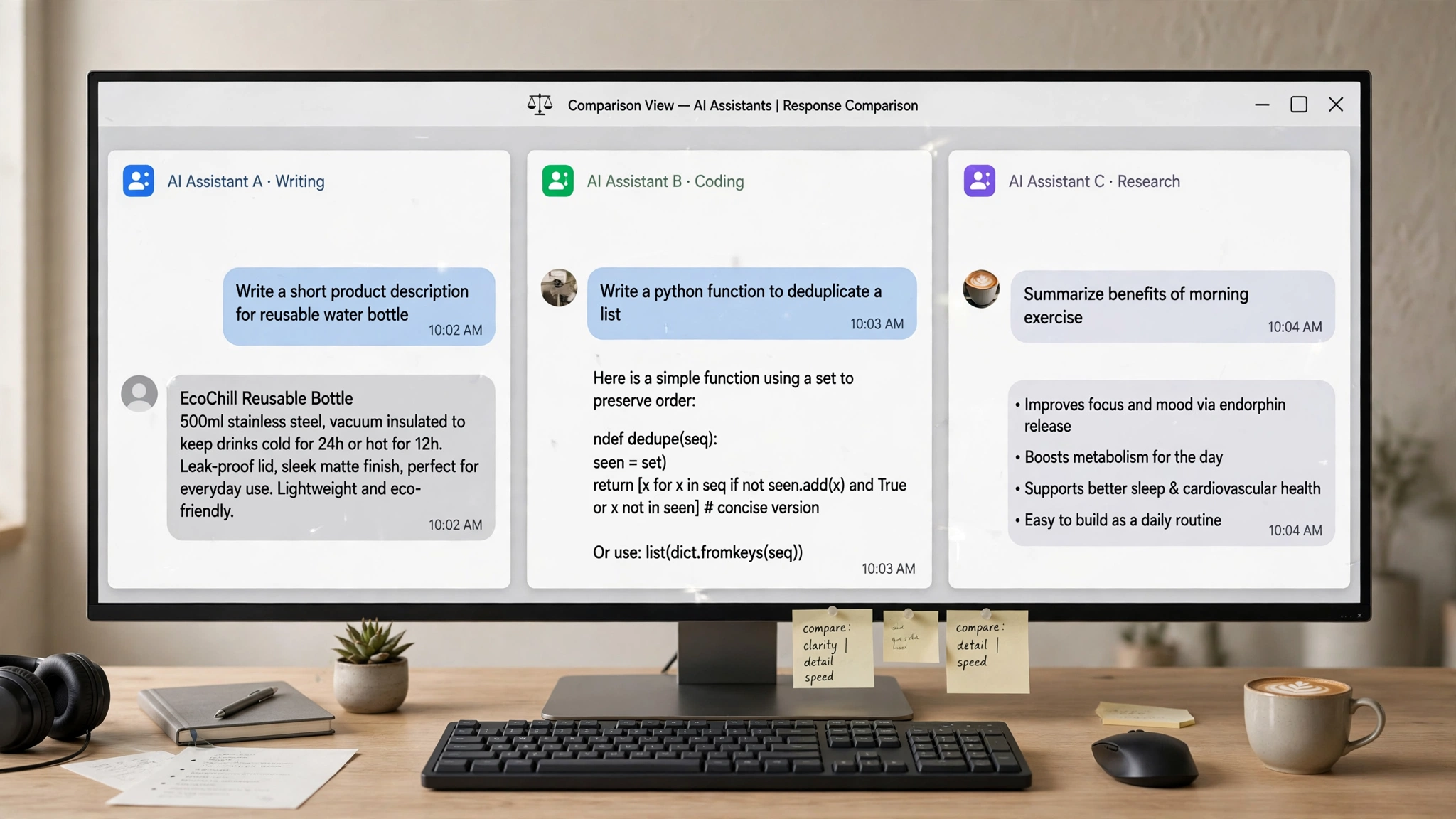
Copilot vs ChatGPT vs Google Gemini
| Feature | Microsoft Copilot (Pro) | ChatGPT (Plus) | Google Gemini (Advanced) |
|---|---|---|---|
| Price | Around $20/month | Around $20/month | Around $20/month |
| Best at | Working inside Word, Excel, Outlook | Chat quality, custom GPTs, memory | Google search grounding, long documents |
| App integration | Microsoft 365 apps, Windows, Edge | Standalone apps, many third party tools | Google Workspace, Android |
| Free tier | Yes, generous | Yes | Yes |

Pricing: What the Free Tier Already Gives You
Before paying anything, use the free version properly. It already includes generous chat with strong models during off peak hours, voice conversations, web grounded answers with sources, and a daily allowance of image creations. For students, casual writers and anyone who just needs occasional help, free Copilot is honestly enough.
Copilot Pro at around $20 per month makes sense when the Office app integration saves you real time every week. The business Microsoft 365 Copilot add-on at around $30 per user per month is a bigger decision. It pays off in organizations where staff spend hours in meetings, email and shared documents, because summarizing and searching across that material is where the license earns its cost. Small teams should pilot it with a few heavy users first instead of rolling it out to everyone.
You can check the current plans and pricing on Microsoft’s official Copilot page before deciding, since Microsoft adjusts bundles and offers fairly often.
Who Should Buy It
Buy Copilot Pro if your job runs through Word documents, Excel sheets and a crowded Outlook inbox, and you already pay for Microsoft 365. Buy the business version if your company lives in Teams and SharePoint and meeting follow ups eat your afternoons. In both cases, the value is time saved inside apps you already use, not smarter chat.
Who Should Skip It
Skip it if you mostly use Google Docs, work on a Mac without Microsoft 365, or only chat with an AI a few times a week. The free Copilot tier, free ChatGPT or free Gemini will handle that fine. Also skip it if subscription fatigue is real for you, because paying for the AI while also paying for the Office plan it plugs into is exactly the stacking problem described above.
FAQ
Is Microsoft Copilot free?
Yes. The standard Copilot chatbot on the web, in Windows, in Edge and in the mobile apps is free to use. Paid plans (Copilot Pro and Microsoft 365 Copilot) add Office app integration, priority model access and higher limits.
Is Copilot Pro worth it?
It is worth it if you use Word, Excel and Outlook daily and already have a Microsoft 365 personal or family plan. If you only need a chatbot, the free version is enough and Pro will feel like poor value.
Copilot vs ChatGPT: which is better?
ChatGPT is generally better for pure conversation, creative writing and its large ecosystem of custom tools. Copilot is better if your work sits inside Microsoft Office, because it works directly in your documents, spreadsheets and emails.
Does Copilot work on Mac?
Yes. Copilot has a Mac app and works in the browser, and Copilot features are available in the Microsoft 365 apps for Mac. Some features roll out later on Mac than on Windows, so the experience can lag slightly.
Can Copilot write emails?
Yes. In Outlook, Copilot can draft emails from a short prompt, adjust the tone, and summarize long threads. The free web version can also draft email text that you copy into any email app.
Final Verdict
Microsoft Copilot is a good product wrapped in confusing packaging. The free version is easy to recommend to anyone. Copilot Pro is a smart buy for heavy Office users and a waste of money for everyone else. The business version is powerful but expensive, and it rewards companies that pilot it carefully. Decide based on how much of your day is spent inside Microsoft apps. That single answer tells you whether Copilot is worth paying for.