



Open any app store and you will find hundreds of AI tools promising effortless studying. The truth is simpler. You do not need fifty tools. You need a small set of good ones, each picked for one job, like understanding a hard topic or checking your writing. This guide covers nine tools that genuinely help you learn, with honest notes on free plans and limits. They work best as study partners, not shortcuts.
The 9 Best AI Tools for Students
1. ChatGPT
ChatGPT is the most flexible tool on this list. You can ask it to explain a difficult concept in plain words, break a long problem into steps, or turn your rough ideas into an outline. It is especially good when you keep asking follow up questions, because the back and forth feels like talking to a patient tutor. The free plan is generous for everyday studying, though it has usage limits during busy hours. Paid plans unlock the newest models. The downside is confidence. ChatGPT can sound sure of itself even when it is wrong, so always check anything important against your textbook, lecture slides, or class notes before you rely on it.
2. Perplexity AI
Perplexity works like a search engine that answers in full sentences and shows its sources. For students, that source list is the big advantage. When you research a topic, you can read a short answer first, then open the linked pages to check where the claims came from. That makes it far safer for schoolwork than a chatbot that gives no references. The free plan covers normal research needs, with a limited number of advanced searches per day. The pro version adds stronger models and more uploads. Its weakness is depth. Answers can stay surface level, and it sometimes leans on weak websites. Use it to find sources quickly, not to replace reading them.
3. Claude
Claude is a strong pick for students who work with long reading material. You can paste in a chapter, a research paper, or your own draft and ask for a summary, key points, or questions to think about. Its writing style feels natural and clear, which makes long explanations easier to follow. It is also good at essay feedback, pointing out weak arguments instead of just fixing grammar. The free plan exists but comes with message limits that you can hit during a long study session. Its main downside is weaker web browsing than some rivals, so it is less useful for fresh facts. For careful reading and writing help, though, it is one of the best.
4. Grammarly
Grammarly focuses on one job and does it well: cleaner writing. It catches spelling and grammar errors, flags sentences that run too long, and suggests clearer wording in essays, emails, and assignments. The tone suggestions help when you need to sound formal for a teacher or professional for an internship application. The free plan handles basic corrections, which is honestly enough for many students. Premium adds deeper style suggestions. One honest warning: Grammarly can flatten your voice if you accept every suggestion, so read each change before you click. We covered the paid version in our Grammarly review of Pro vs Free, including whether the upgrade is worth it for students.
5. Notion AI
Notion AI lives inside the Notion workspace, so it makes the most sense if you already keep your notes and planners there. It can summarize long lecture notes, pull action points out of a messy page, and turn scattered class notes into a tidy study sheet. Because it works on your own pages, it feels more personal than a general chatbot. The catch is cost. Notion AI is an add on to a paid plan in most cases, and the free plan only gives a small taste. If your school life already runs in Notion, it is a smooth upgrade. If not, starting from zero just for the AI features is hard to justify.
6. Khanmigo
Khanmigo is the AI tutor built by Khan Academy, and it was designed for learning from the start. Instead of handing you the final answer, it asks guiding questions and nudges you toward the solution yourself, much like a good teacher would. It covers math, science, humanities, and coding practice, and it connects with the free lessons on the Khan Academy site. Teachers can also see how a student is using it, which keeps things transparent. The downside is that it is not free everywhere. Access is a paid add on for individual learners in many regions, though some schools provide it. If your school offers it, take it.
7. Quizlet
Quizlet has been a flashcard staple for years, and its newer AI features make set building much faster. You can paste your class notes and let it generate flashcards and practice questions, then study them with spaced repetition so the facts actually stick. Its Magic Notes feature turns uploaded material into outlines and practice tests too. For exam weeks, that combination is hard to beat. The free plan still works, but some of the best AI features sit behind the paid Quizlet Plus paywall. Quality also depends on your source material. If your notes are messy or wrong, the flashcards will be too, so skim any generated set before studying from it.
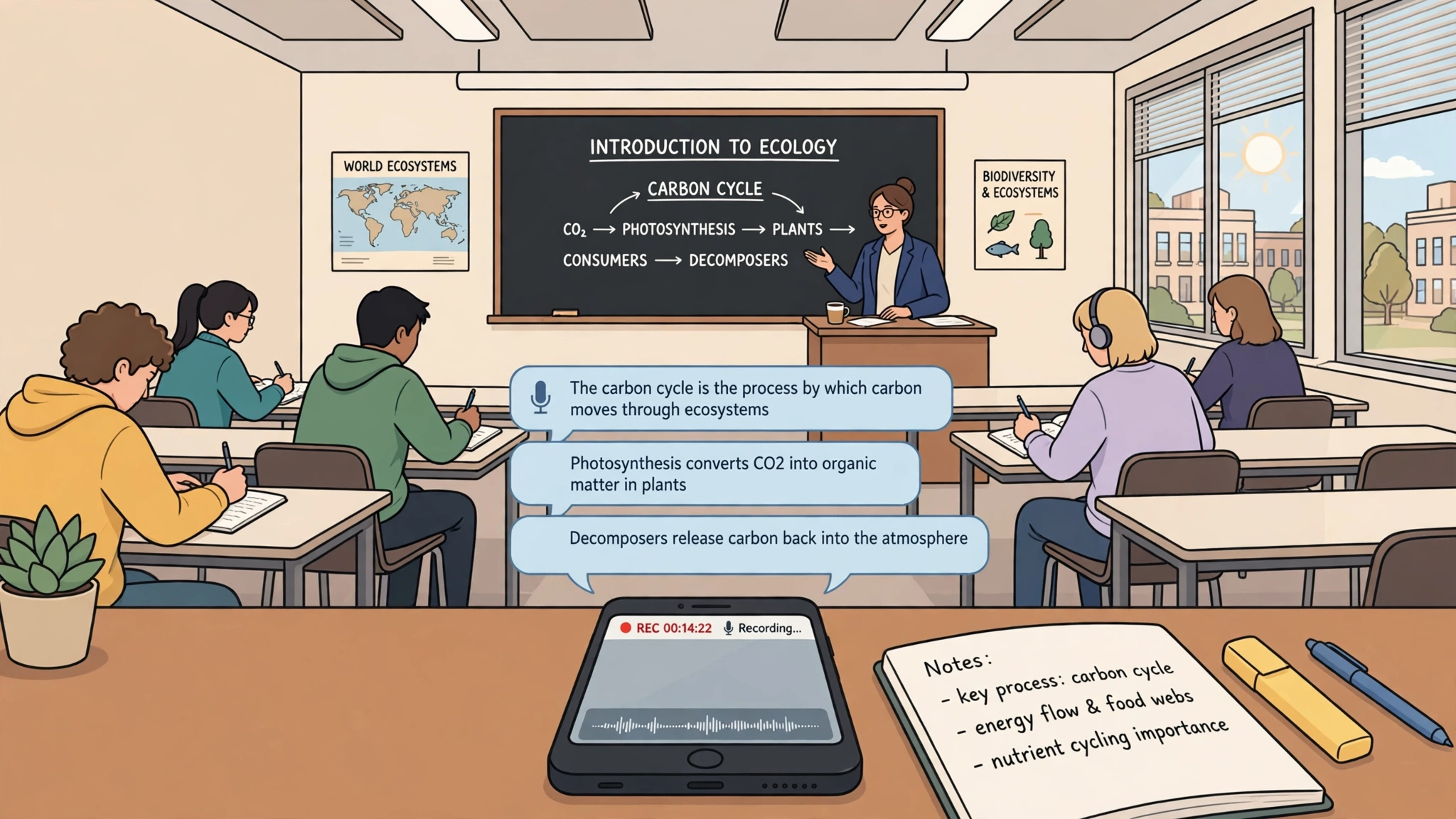
8. Otter.ai
Otter.ai records and transcribes lectures, group study sessions, and interviews for projects. After class you get a searchable transcript with speaker labels and a summary, so you can jump back to the exact moment a teacher explained something tricky. For students who learn better by listening again, or anyone who misses a class, it saves hours of manual note taking. The free plan includes a monthly allowance of transcription minutes, which runs out fast if you record every lecture. Accuracy also drops with strong accents, background noise, or technical terms. One more thing: always get permission before recording a class, because school policies on recording lectures vary a lot from place to place.
9. Wolfram Alpha
Wolfram Alpha is different from every chatbot here. Instead of predicting text, it computes answers using real data and math engines, which makes it the most reliable tool on this list for numbers. It solves equations step by step, plots graphs, converts units, and answers factual questions about chemistry, physics, and statistics. When a normal chatbot invents a wrong math answer, Wolfram Alpha usually gets it right because it actually calculates. The free version shows final answers, while the pro plan unlocks full step by step solutions. The limitation is scope. It will not help you brainstorm an essay. Treat it as your calculator with a brain, built for math and science homework.
Quick Comparison
| Tool | Best for | Free plan |
|---|---|---|
| ChatGPT | Explaining concepts, outlines | Yes |
| Perplexity AI | Research with sources | Yes |
| Claude | Long readings, essay feedback | Yes |
| Grammarly | Grammar and clear writing | Yes |
| Notion AI | Organizing your own notes | Limited |
| Khanmigo | Guided tutoring | Sometimes, through schools |
| Quizlet | Flashcards and practice tests | Yes |
| Otter.ai | Lecture transcripts | Yes |
| Wolfram Alpha | Math and science answers | Yes |
How to Use AI for Studying the Right Way
The line between help and harm is simple. If the tool helps you understand, it is helping you learn. If it replaces your thinking, your grades will suffer at exam time, when no tool is allowed.
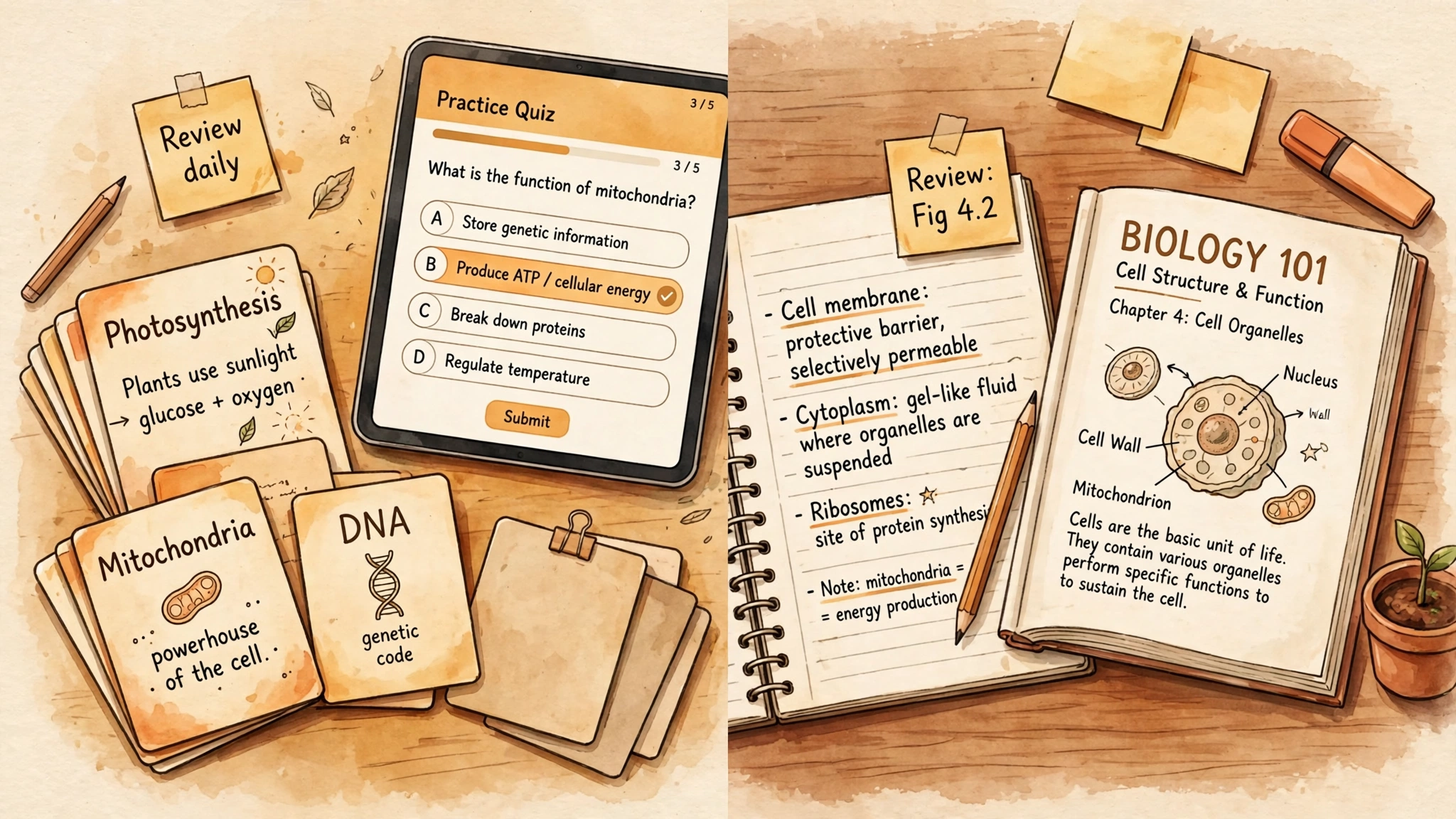
A few habits keep you on the right side of that line. Study from your own material: feed the tool your class notes and ask for a summary, instead of asking it to write from nothing. Quiz yourself, so you practice recalling answers rather than just reading. And use the explain back method: after the AI explains a topic, close it and explain the idea in your own words. If you cannot, you have not learned it.
Always verify facts, and know your school rules. Submitting AI written work as your own is academic dishonesty, with real penalties.
To see where these chatbots are heading, read our guide on what AI agents are and how they work.
Frequently Asked Questions
Is using AI tools for schoolwork cheating?
Not by itself. Using AI to explain a topic, practice questions, or check grammar is like using a tutor. It becomes cheating when you submit AI produced work as your own, or when your teacher has banned it. When in doubt, ask.
What is the best free AI tool for students?
For most students, ChatGPT’s free plan is the best all rounder because it explains topics, outlines essays, and answers follow up questions. If research with sources matters more, pick Perplexity.
Can AI actually help with math?
Yes, with the right tool. Wolfram Alpha calculates real answers and shows steps, so it is reliable for algebra, calculus, and statistics. Chatbots can explain the method, but they sometimes make arithmetic mistakes, so compare with the computed answer.
Do teachers know if you use AI?
Often, yes. Teachers spot sudden changes in writing style, facts that do not match the course, and references that do not exist. And if you cannot explain your submitted work in class, it becomes obvious fast.
What is the best AI tool for writing essays?
Claude gives the most natural feedback on structure and arguments, and Grammarly is best for polishing grammar in your final draft. Use them to improve writing you drafted yourself. An essay generated from scratch will not sound like you, and it teaches you nothing.
Final Verdict
You do not need every tool here. Start with one chatbot, ChatGPT or Claude, add Perplexity for research, and keep Wolfram Alpha for math. Add Grammarly for polish and Quizlet near exams. Used this way, AI becomes a patient study partner that helps the learning stick.



[…] It is not a learning platform in any serious sense, whatever the “cognitive break” framing suggests. It is a games site that is honest about being a games site everywhere except its own marketing copy. Students looking for study tools will get more from purpose-built resources, including the AI study tools we have covered before. […]